 C. Stewart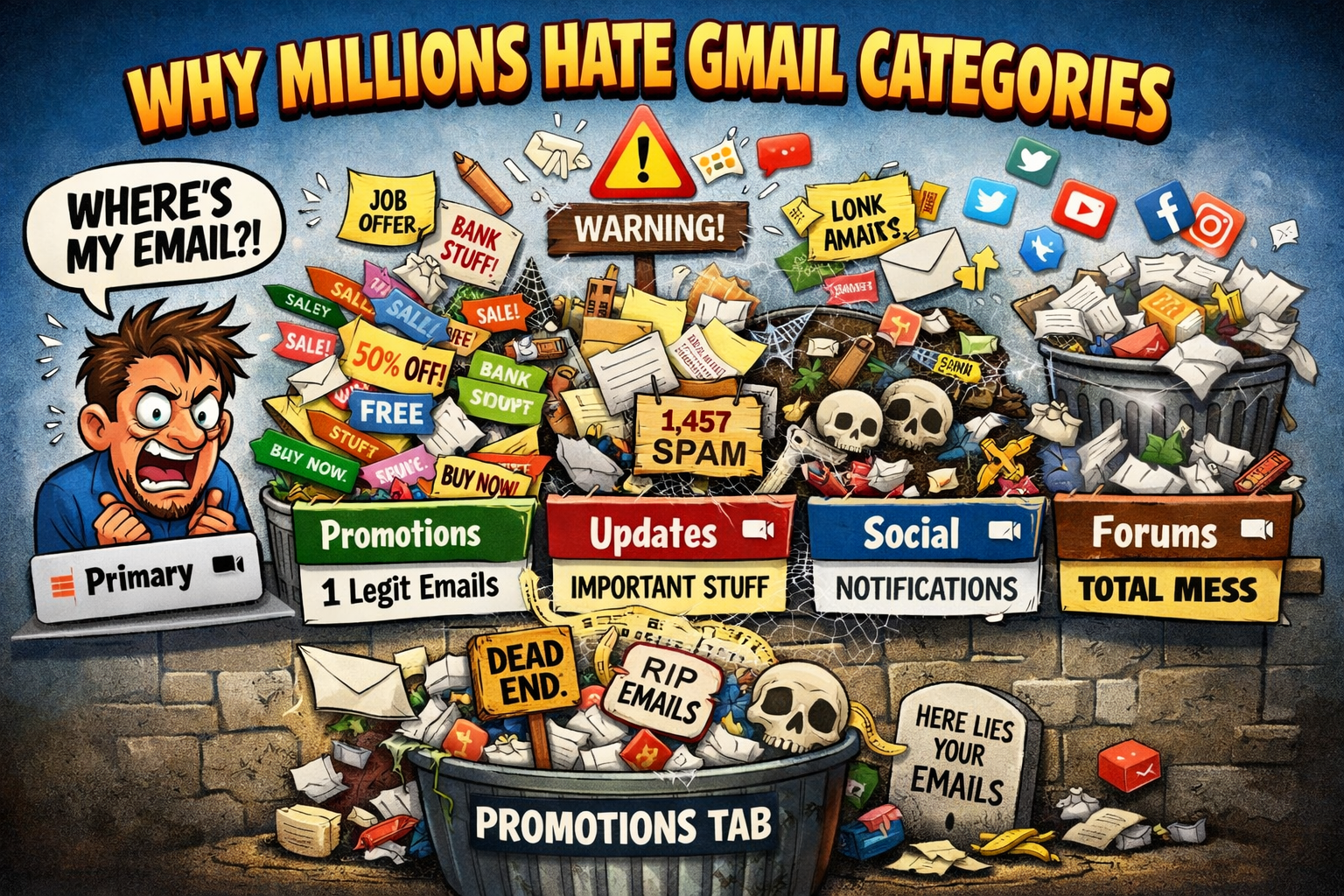
The Dumbest Feature Google Ever Added to Gmail? The Feature That Turned One Inbox Into Five
Millions of users say Gmail’s inbox categories are hiding their emails — and they’re fed up.
When Gmail first introduced its category tabs — Primary, Promotions, Social, Updates, and Forums — the idea sounded brilliant. Instead of drowning in hundreds of emails a day, Gmail would automatically organize everything for you.
In theory, it was supposed to be the future of email.
In reality, many users think it’s one of the most annoying features ever added to Gmail.
Across forums, social media, and tech blogs, frustrated users keep repeating the same complaint:
“Gmail is hiding my emails.”
The Feature That Turned One Inbox Into Five
Before categories existed, email was simple. You had an inbox. Messages arrived. You read them.
Then Gmail decided to “help” by splitting your inbox into multiple tabs.
Now instead of checking one inbox, users suddenly have to check:
- Primary
- Promotions
- Social
- Updates
- Forums
Miss one tab and you might miss something important.
Many users say the system actually makes email more confusing instead of less.
When Gmail’s AI Gets It Completely Wrong
Gmail relies on algorithms to decide where your messages go. The system analyzes senders, email content, and behavior patterns from millions of accounts.
But critics say the results can feel completely random.
Examples people constantly complain about:
- Job emails showing up in Updates
- Airline confirmations landing in Promotions
- Important work messages buried under Forums
Meanwhile, spammy marketing emails somehow sneak into the Primary inbox.
For a system designed to organize your email, the sorting mistakes can feel absurd.
The Promotions Tab: Where Emails Go to Die
If you run a newsletter or online business, the Promotions tab is basically a black hole.
A huge percentage of Gmail users never even open it.
That means emails sent by legitimate companies often get buried under piles of sales ads, coupon blasts, and marketing spam.
Once something lands in Promotions, there’s a good chance it will never be seen again.
The Internet’s Reaction: Pure Frustration
Spend a few minutes reading online discussions and the frustration becomes obvious.
Users complain about:
- Missing important emails
- Gmail sorting messages incorrectly
- Having to constantly check multiple tabs
- Emails disappearing into categories they never look at
Some people even blame the system for causing missed job opportunities or delayed work communication.
The Simple Solution Many Users Are Choosing
Ironically, the most popular “fix” is the easiest one.
Users are simply turning Gmail categories off.
By disabling the tabs, everything goes back into a single inbox — the way email worked for decades.
No guessing.
No hidden messages.
No digging through five tabs.
Just email.
The Bottom Line
Gmail’s category system was designed to make inboxes smarter.
But for millions of users, it has become something else entirely — a frustrating feature that hides messages and complicates a tool that used to be simple.
Whether you love it or hate it, one thing is clear:
A lot of people think Gmail’s categories belong in the Promotions tab of bad ideas. 📧🔥
C. Stewart